


A community can be one of the most rewarding part of an online business. It's where your people get to know you, learn from each other, and keep coming back to enjoy your resources.
It can be a meaningful source of income too. According to Podia customer data in 2026, the average community membership is priced at $104, and top community creators have generated over $1M in membership revenue in the past year.
Mighty Networks is one of the best-known places to build a paid community, with lots of community features, courses, and events built in. But no tool is the right fit for every business, and you might prefer a Mighty Networks alternative if you want to run your community, products, website, and email list all in one spot.
In this guide, we'll cover:
- What Mighty Networks does well and where it falls short
- 7 Mighty Networks alternatives and who each one is best for
- How to choose the right home for your community and business
(Short on time? Podia is our top pick for a Mighty Networks alternative. You get your community, courses, coaching, events, and downloads in one place, with your website, blog, and email marketing connected out of the box. Try Podia free for 14 days.)
Mighty Networks pros and cons
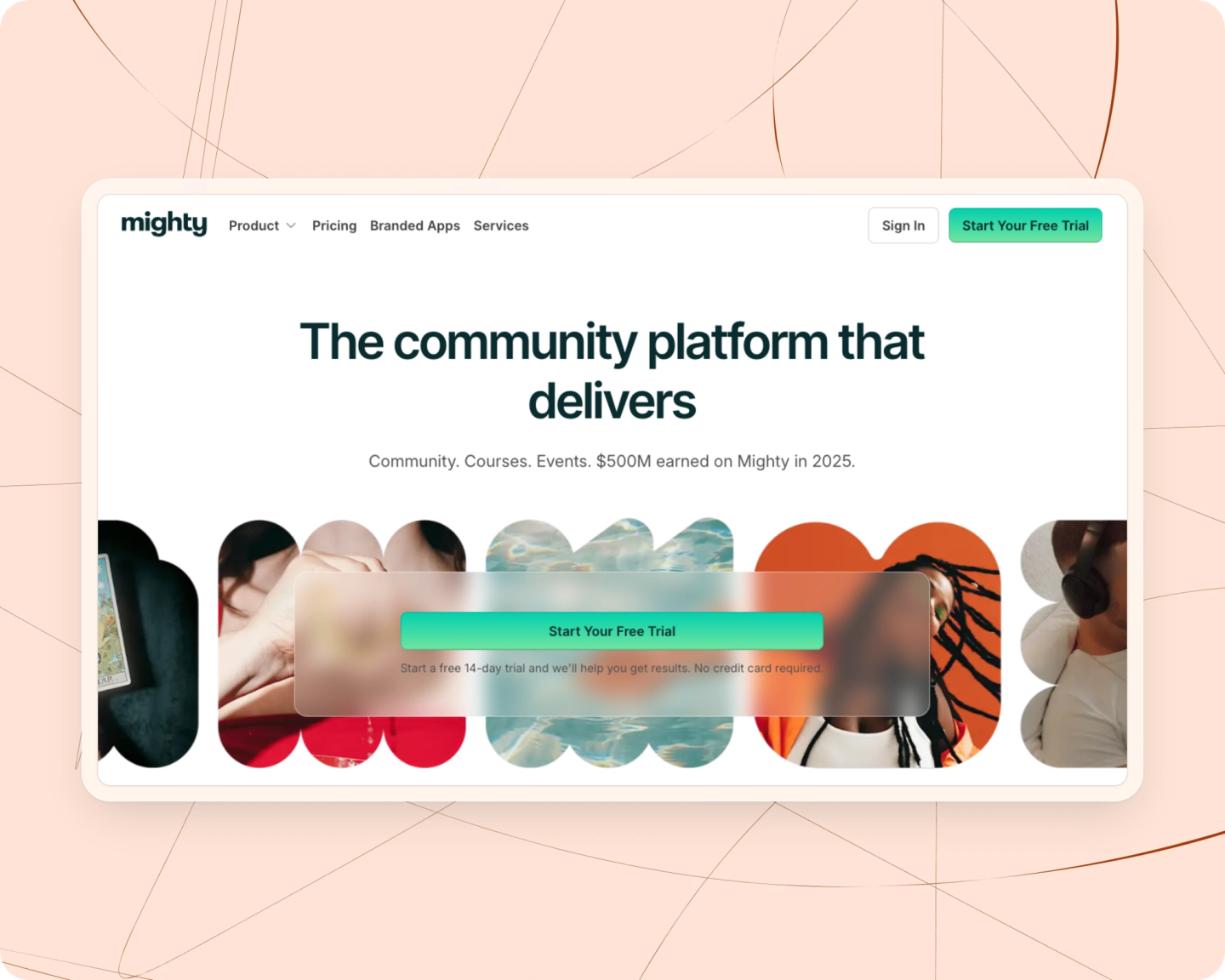
Mighty Networks is a community tool where you can run free and paid memberships, with courses and events living inside your community. Members can join on the web or through the Mighty Networks app on iOS and Android, and you can organize your community into as many spaces as you like.
Mighty Networks pros:
Mighty Networks has a deep set of community features. You get activity feeds, polls and questions, chat spaces, private groups, cohorts, direct messages, and online and in-person events. Every plan includes unlimited members and unlimited spaces, which gives you lots of room to organize your community as it grows.
Courses are included on every plan too. You can run on-demand, cohort-based, or live courses and challenges, with quizzes, certificates, and dripped content. Gamification features like points, streaks, and leaderboards encourage members to participate.
Mighty Networks has also leaned into AI. Its AI Cohost helps you plan and set up your community, and there are AI writing tools and conversation starters built in.
If you want your own branded app, it's available on the custom-priced Mighty Pro plan.
Mighty Networks cons:
Mighty Networks is built for community first, so you'll likely need other tools as your business grows. There's no full website or blog, and the Launch and Scale plans each come with just one landing page. Growth includes three, and Mighty Pro includes ten, but if you want to build a full online home base for your business outside your community, you'll need a separate website tool.
There's also no built-in email marketing for growing a list, sending newsletters, or running automated campaigns to people who haven't joined yet. Integrations with tools like Zapier, Kit, and affiliate software are only available on the Scale plan and above, which starts at $215/month.
Finally, Mighty Networks charges a transaction fee on every plan, from 2% on Launch down to 0.5% on Growth and Mighty Pro. Since you can't remove the fee entirely, the amount you pay grows along with your revenue.
Mighty Networks pricing:
Mighty Networks has three main plans, a custom-priced Mighty Pro plan, and a free trial. You get two months free when you pay annually.
- Launch: $95/month ($79/month billed annually), 2% transaction fee: unlimited members and spaces, courses, events, 3 hosts, 1 landing page, 20 streaming hours a month, and 200GB of storage
- Scale: $215/month ($179/month billed annually), 1% transaction fee: everything in Launch, plus more automations, API and MCP access, third-party integrations, 5 hosts, and 500GB of storage
- Growth: $425/month ($354/month billed annually), 0.5% transaction fee: everything in Scale, plus advanced automations, 3 landing pages, growth expert sessions, priority support, migration services, and 1TB of storage
- Mighty Pro: custom pricing, 0.5% transaction fee: everything in Growth, plus custom branded apps, full community services, 10 landing pages, and 4TB of storage
If you're looking for more than a community, or a simpler way to run your whole business in one place, here are seven alternatives to consider.
7 best alternatives to Mighty Networks
1. Podia

Podia is an all-in-one home for your online business, and community sits at the center of it. You can create free or paid community plans and sell online courses, coaching, digital downloads, and events, all in the same place as your website, blog, and email marketing.
Your community spaces are automatically connected to everything else you make. Members get one home feed that brings together their courses, community spaces, and upcoming events. You can create topic-based spaces, group chats, and DMs.

One of the biggest differences from Mighty Networks is flexibility. With Mighty Networks, courses and events live inside your community. With Podia, you can sell courses, coaching, events, and downloads as standalone products, include them in a community tier, or bundle them together however you like. That makes Podia a good fit if you have lots of ideas you want to try.

Podia also gives you the tools to bring new people into your community. You can publish blog posts, build sales pages, create lead magnets, send newsletters, and set up automations that guide subscribers toward your paid offers, all without connecting a separate email tool.
Charlotte Perrott of Canine Marketing Support runs her paid community on Podia. As she puts it,
“I now have 300 paying members across the world and an email list of nearly 4,000. The community feature is easy for me and my members to use.”
Podia features:
- Run free and paid communities with as many tiers as you like
- Sell courses, coaching, digital downloads, webinars, and events on every plan
- Host live, virtual, and in-person events
- Build your website, blog, and landing pages
- Email marketing with newsletters, automations, segmentation, and lead magnets
- Affiliate marketing and upsells on Shaker and above
- Unlimited members and customers on all plans
- Free migrations on all paid plans
Podia pros:
Podia brings your community, products, website, and email together, so you don't need to piece together separate tools to grow. There's no member limit on any plan, and you can sell products on their own or as part of your community.
The Shaker and Earthquaker plans have no transaction fees, so you keep more of what you earn as your community grows.
Podia cons:
Podia is designed for digital businesses, so it isn't a good fit if you want to sell physical products.
Podia pricing:
- Mover: $49/month ($42/month billed annually), 5% transaction fee: 50 products, 25 community spaces, storage for 500 videos, and email marketing for up to 100 subscribers
- Shaker: $99/month ($84/month billed annually), 0% transaction fee: 150 products, 100 community spaces, storage for 1,000 videos, affiliates, upsells, and email marketing for up to 500 subscribers
- Earthquaker: $179/month ($150/month billed annually), 0% transaction fee: unlimited products, unlimited community spaces, unlimited video storage, unlimited assistant seats, and email marketing for up to 1,000 subscribers
You can add more email subscribers any time as your list grows. For comparison, Podia's Shaker plan costs about the same each month as Mighty Networks' Launch plan. But Shaker has no transaction fee, and it includes your website, blog, and email marketing.
Learn more about how Podia compares to Mighty Networks, or start your free 14-day trial to see it for yourself.
2. Circle

Circle is another all-in-one community tool. Like Mighty Networks, Circle puts your community at the center, with discussion spaces, chat, events, live streams, and courses living inside it. You can use your own domain, color themes, and custom code to match your brand, and members get apps for iOS, Android, and desktop on every plan.
Like Mighty Networks, Circle has also put a lot of focus on AI and automation. Every plan includes Circle AI credits, the Business plan adds workflows and API access, and the Scale plan adds AI agents and AI moderation.
Circle features:
- Community spaces for discussions, chat, events, and courses
- Live streams and live rooms
- Website builder and custom domain on all plans
- Gamification, a member directory, and rich member profiles
- Workflows and API access on Business and above
- Custom branded mobile apps on Circle Plus
Circle pros:
Circle gives you lots of control over how your community looks and how it's organized. If you have a larger community or a team, the automation and AI tools on higher plans can save you time behind the scenes.
Circle cons:
Circle is designed with the community as the main product. Courses and other offers live inside your community rather than as standalone products. Email marketing is a separate add-on called Email Hub, starting at $19/month for up to 1,000 contacts.
Circle also charges a transaction fee on every plan, and its pricing page only lists annual prices. When I tested it, the monthly prices only showed up after I started a free trial, so something to be aware of as you decide what to pick.
Circle pricing:
- Professional: $129/month ($89/month billed annually), 2% transaction fee: 3 admins, 20 spaces, 200GB of storage, and 2,500 AI credits a month
- Business: $219/month ($199/month billed annually), 1% transaction fee: 5 admins, 30 spaces, workflows, APIs, and the option to remove Circle branding
- Scale: $499/month ($419/month billed annually), 1% transaction fee: 10 admins, 100 spaces, AI agents, and unlimited workflows
- Circle Plus: custom pricing, 0.5% transaction fee: custom branded mobile apps and unlimited admins and spaces
You can find more options in our guide to Circle alternatives, or read our full comparison of Circle vs. Skool.
3. Skool

Skool is a simple, focused community tool. Your community feed, courses, calendar, and member list all live in one space, and both plans include unlimited members, courses, videos, and live calls.
Skool's best-known feature is its gamification. Members earn points when other people like their posts, move up levels, and appear on a leaderboard, and you can unlock courses at certain levels to reward people who participate. There's also a Discovery page where people can browse and join communities.
Skool features:
- Community feed, classroom, calendar, and member list
- Unlimited members, courses, videos, and live calls on both plans
- Points, levels, and leaderboards
- Courses that unlock as members level up
- A Discovery page where new people can find your community
- Built-in affiliates
Skool pros:
Skool is quick to set up and easy for members to use. Both plans have the same features, so the $9/month Hobby plan is an inexpensive way to test a community idea before you commit.
Skool cons:
Skool focuses almost entirely on community. There's no website, blog, or landing page builder, and no email marketing for growing a list outside your community. Your courses live inside your community too, so Skool isn't built for selling standalone products.
Skool also charges a transaction fee on both plans, and the 10% fee on Hobby adds up quickly as your community grows.
Skool pricing:
- Hobby: $9/month ($7.50/month billed annually), 10% transaction fee: unlimited members, courses, videos, and live calls, plus a custom URL and affiliates
- Pro: $99/month ($82.50/month billed annually), 2.9% transaction fee: everything in Hobby, with a lower transaction fee
For more options, take a look at our guide to Skool alternatives.
4. Kajabi

Kajabi is an all-in-one option for established creators. You can sell courses, coaching, communities, memberships, downloads, newsletters, and podcasts, and Kajabi also includes a website builder, email marketing, sales funnels, and affiliates.
Kajabi features:
- Sell courses, coaching, communities, memberships, downloads, and podcasts
- Website builder, landing pages, and sales funnels
- Email marketing and automations
- Affiliate marketing on Growth and above
- Branded mobile app on Pro
- No transaction fees with Kajabi Payments
Kajabi pros:
Kajabi brings your products, marketing, and community together, and you won't pay a transaction fee when you use Kajabi Payments. If you rely on funnels and automations to sell high-ticket programs, Kajabi has lots of tools to support that.
Kajabi cons:
Kajabi's biggest downside is the price. Plans start at $179/month, and the Basic plan includes just 5 products, 2,500 contacts, and 1 community.
According to Podia customer data, creators have an average of 5.6 published products, so many would need the Growth or Pro plan to have enough room.
Kajabi pricing:
- Basic: $179/month ($143/month billed annually): 5 products, 2,500 contacts, 1 website, 1 community, and 2 admin seats
- Growth: $249/month ($199/month billed annually): 50 products, 25,000 contacts, 1 website, 1 community, and 11 admin seats
- Pro: $499/month ($399/month billed annually): unlimited products, 100,000 contacts, 3 websites, 3 communities, and 26 admin seats
If Kajabi costs more than you'd like to spend, our guide to Kajabi alternatives has more affordable options.
5. Patreon

Patreon is a well-known way for creators to earn recurring support from fans. It's popular with musicians, artists, podcasters, YouTubers, and other content creators who already have a following. Supporters pay a monthly or annual membership in exchange for perks like exclusive posts, bonus content, or early access.
Patreon also has community features where you can share posts, chat with members, and send updates, and you can sell digital files through its shop.
Patreon features:
- Monthly and annual membership tiers
- Posts, chats, and updates for members
- A shop for selling digital files
- Free to set up
Patreon pros:
Patreon is free to start and has strong name recognition, so your fans probably already know what it means to join your Patreon. It's a simple option if you mainly want a way for people to support the content you already make.
Patreon cons:
Patreon doesn't include a website, blog, landing pages, or email marketing, and there are very few ways to customize your page. It also isn't built for structured offers like courses, coaching, or events.
Patreon takes a 10% fee on everything you earn. If a supporter joins through the Patreon iOS app, Apple's purchase system adds another 30% on top of that.
Patreon pricing:
- Free to set up, with a 10% fee on all earnings
- An additional 30% fee from Apple on memberships purchased through the Patreon iOS app
You can learn more in our guide to Patreon alternatives.
6. Heartbeat

Heartbeat is a community tool with a strong focus on AI, events, and automation. You can create unlimited channels, courses, events, and documents, and its Pulse AI can help you build courses and workflows inside your community.
Heartbeat also includes checkout pages, upsells, waitlists, and access groups, so you can sell memberships and offers directly from your community.
Heartbeat features:
- Unlimited channels, courses, events, and documents
- Pulse AI for building content and workflows
- Automation workflows (5 on Build, unlimited on Grow and above)
- Checkout pages, upsells, waitlists, and memberships
- Member badges, gamification, and a member directory
- Branded mobile app on Scale
Heartbeat pros:
Heartbeat is a good fit if you want a community with AI tools and events at the center. The Build plan starts at $49/month, which is a lower starting price than Mighty Networks.
Heartbeat cons:
Heartbeat limits how many members you can have on its first two plans, with up to 350 members on Build and 5,000 on Grow. Unlimited members are only available on the $849/month Scale plan.
There's no full website or blog, and custom landing pages are limited by plan, with 1 on Build, 15 on Grow, and 50 on Scale. Heartbeat also charges a transaction fee on every plan, from 5% on Build down to 1.25% on Scale.
Heartbeat pricing:
- Build: $49/month ($40/month billed annually), 5% transaction fee: up to 350 members, 5 automation workflows, and 1 custom landing page
- Grow: $149/month ($124/month billed annually), 2.5% transaction fee: up to 5,000 members, unlimited workflows, native video hosting (50 hours), 15 custom landing pages, and an affiliate program
- Scale: $849/month ($766/month billed annually), 1.25% transaction fee: unlimited members, a white-label branded mobile app, 50 custom landing pages, and native video hosting (200 hours)
7. Heights Platform

Heights Platform is built for course creators who want to pair courses with community. On the Basic plan and above, you can create unlimited courses and community channels, along with digital products, sales pages, a blog, and an affiliate program.
Heights also includes email to your contacts and AI tools to help with course creation, and there are no transaction fees on any plan.
Heights Platform features:
- Unlimited courses and community channels on Basic and above
- Digital products, bundles, and sales pages
- A blog on Basic, plus a drag-and-drop page builder on Pro and above
- Email to your contacts, with limits by plan
- Gamification, badges, and student projects
- Live streaming on Pro and above
Heights Platform pros:
Heights combines courses, community, and digital products, with no transaction fees on any plan. Courses can be sold as standalone products rather than only as part of a community, and there's a 30-day free trial.
Heights Platform cons:
Community features start on the $49/month Basic plan, and the entry-level Challenge plan is limited to a single challenge course. The drag-and-drop page builder, custom domain, and live streaming require the $119/month Pro plan. Heights also limits active students on every plan except Academy, and email contacts on every plan.
Heights Platform pricing:
- Challenge: $29/month ($19/month billed annually): 1 challenge course, up to 100 active students, and email to 1,000 contacts
- Basic: $49/month ($39/month billed annually): unlimited courses and community channels, digital products, an affiliate program, up to 5,000 active students, and email to 5,000 contacts
- Pro: $119/month ($99/month billed annually): everything in Basic, plus a drag-and-drop page builder, custom domain, live streaming, up to 10,000 active students, and email to 10,000 contacts
- Academy: $499/month ($399/month billed annually): everything in Pro, plus unlimited active students, email to 100,000 contacts, and 25 admin seats
Find the right Mighty Networks alternative for you
The best choice comes down to what you're building and how much of your business you'd like to keep in one place. If you'd like to compare even more options, our guide to the best online community platforms covers a wider range.
More affordable Mighty Networks alternatives:
- Patreon: Free to start, with a 10% fee on earnings
- Skool: Plans start at $9/month, with a 10% transaction fee on Hobby
- Podia: Plans start at $49/month, with a 5% transaction fee on Mover and room for 50 products
- Heights Platform: Community features start at $49/month on the Basic plan, with no transaction fees
- Heartbeat: Plans start at $49/month, with a 5% transaction fee and up to 350 members
Mighty Networks is a good fit if you want a community with lots of built-in features and you're happy to manage your website and email marketing elsewhere.
But if you want your community to be the heart of a bigger business, Podia gives it a home that connects to everything else you offer. Your community, courses, coaching, events, website, blog, and email all work together, and you can start small and grow into more space without switching tools.
Start your free trial to see what you can build. We can't wait to see what you make.


